
Configure the chat interface for end users
By the end of this lesson, you can configure the chat interface for end users and record who ran each turn.
Configure display, attribution, and feedback
Section titled “Configure display, attribution, and feedback”The region shows tool calls, reasoning and token counts. The audit trail says a background job ran the agent. There is no rating of the answers.
Three attributes fix that.
Show developers more than users
Section titled “Show developers more than users”Debug Config is a PL/SQL function that returns JSON. Lesson 3 used it to see error text. It is also an authorization check, because it runs on the server for each request:
if apex_authorization.is_authorized('ADMIN_AUTH') then return '{ "show_reasoning": true, "show_tools": true, "show_metadata": true, "show_errors": true }';else return '{}';end if;An admin sees the tool calls. Everyone else sees the answer and nothing else.
The flags do more than change the display. When a flag is false, the plug-in removes those rows from the response on the server, so the browser never receives them. A user who opens the developer tools finds nothing, because there is nothing there.
Tool names are part of this. SC_LIST_INVOICES is harmless.
GET_HR_SALARIES tells a user something about your system that you may not have
meant to publish. show_tools is what controls that.
Record who asked the question
Section titled “Record who asked the question”Lesson 3 showed the audit trail saying the wrong thing:
ID STATUS AUDIENCE CREATED_BY APEX_USER APP PAGE5294 completed db APEX_PUBLIC_USERcreated_by is the database user, audience is db, and there is no APEX user
at all. The agent runs in a background job, and a job has no APEX session. The
row does not name the person who asked.
Set Session Init Code, in the Agent group:
apex_session.attach( p_app_id => :APP_ID, p_page_id => :APP_PAGE_ID, p_session_id => :APP_SESSION);That runs inside the job, before the agent. The item values are resolved while the browser request is still alive, so the job knows which session to join.
Send another message and run the same query as lesson 3:
ID STATUS AUDIENCE CREATED_BY APEX_USER APP PAGE5350 completed authenticated ADMIN ADMIN 777 105294 completed db APEX_PUBLIC_USERThe run now records the person, the application and the page.
Collect feedback
Section titled “Collect feedback”Set Collect Feedback in the Conversation group.
A thumbs up and a thumbs down appear under the newest answer. There is no dialog, and nothing blocks the page. Only a small share of users will ever press one. It is a quality signal, not a survey.
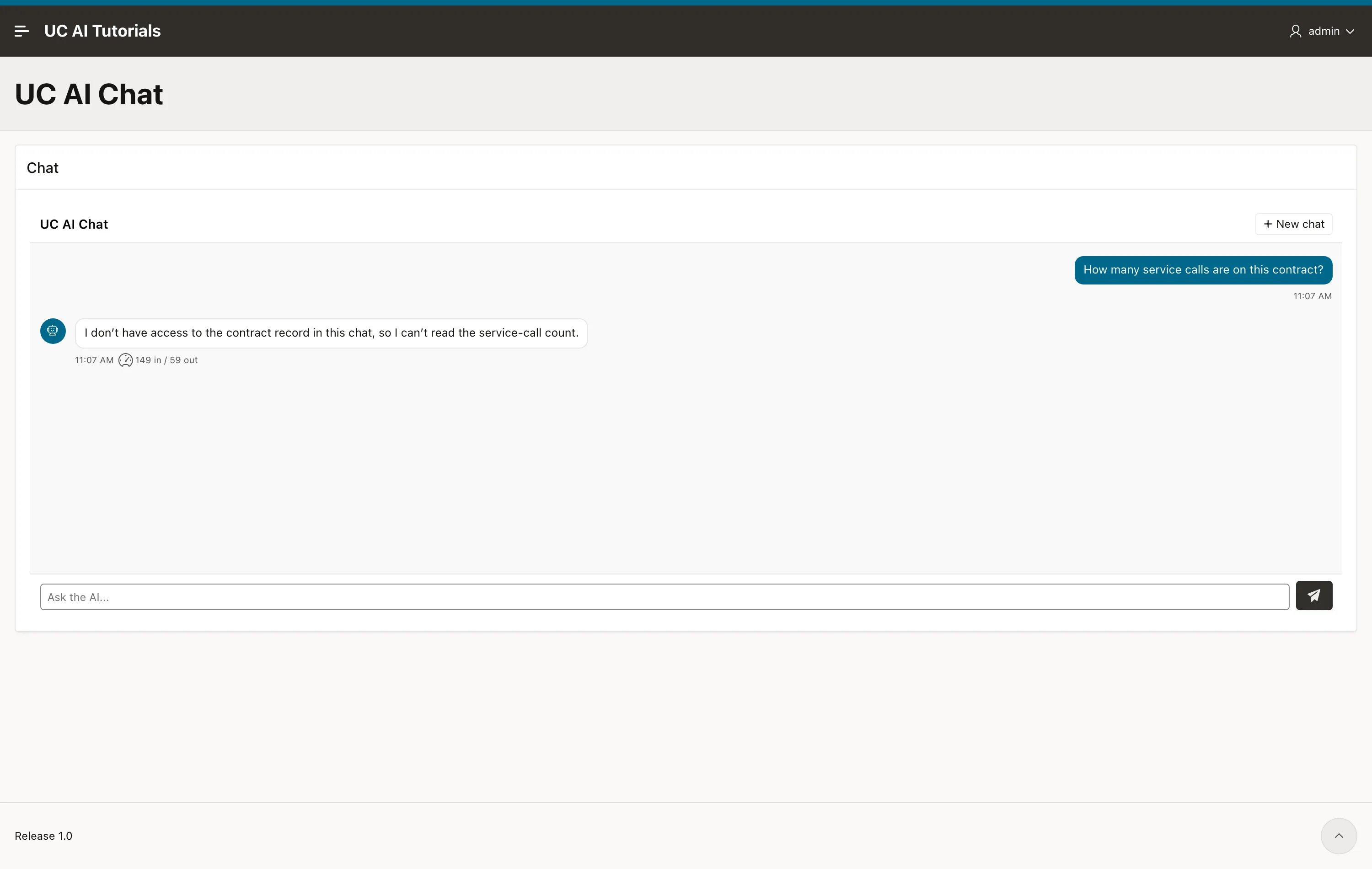
One rating is stored for each conversation, on the session:
select session_id, feedback_rating, feedback_comment, feedback_at from uc_ai_agent_sessions where feedback_rating is not null order by feedback_at desc;uc_ai_agents_api.list_sessions returns the same columns, so “list the
conversations with a negative rating” is one query. That query points at the
prompts and the tools that need work.
Check it yourself
Section titled “Check it yourself”Send one message as an admin and one as a normal user, then compare what left the server:
select role, count(*) from uc_ai_chat_messages where session_id = :your_session group by role;With show_tools off, the tool_call and tool_result rows are still in the
table — they are never sent to that user. The audit trail stays complete, and the
user sees only the answer.
Key takeaways
Section titled “Key takeaways”- Debug Config is an authorization function, and the filtering happens on the
server:
if apex_authorization.is_authorized('ADMIN_AUTH') then ... - Session Init Code with
apex_session.attachturnsaudience = db, created_by = UC_AIintoaudience = authenticated, created_by = ADMIN. - One feedback rating is stored for each conversation, and
list_sessionsreturns it.
What to read next
Section titled “What to read next”- The APEX Chat plug-in guide lists all 18 region attributes, including the ones this course did not use.
- Guardrails cap what a chat region can spend, for each user or for the whole application.
- Agent memory gives the desk a memory of each contract that survives the conversation.