
What is a Splitter?
You probably know what a splitter is from the Page Designer. It allows you to have resizable and collapsible panels inside your apps.
It is a really handy extension for dense data applications where users want to focus on specific data content at different times.
Getting Started
UC Splitter is part of our community plug-ins, which are free to use and supported. You can download it from the Plug-Ins-Pro portal, where you get the plug-in and a sample app with implementation examples.
Importing the plug-in
To add a splitter to your app, go into the shared components → plug-ins and import the plug-in SQL file from the download.
Adding one to your page
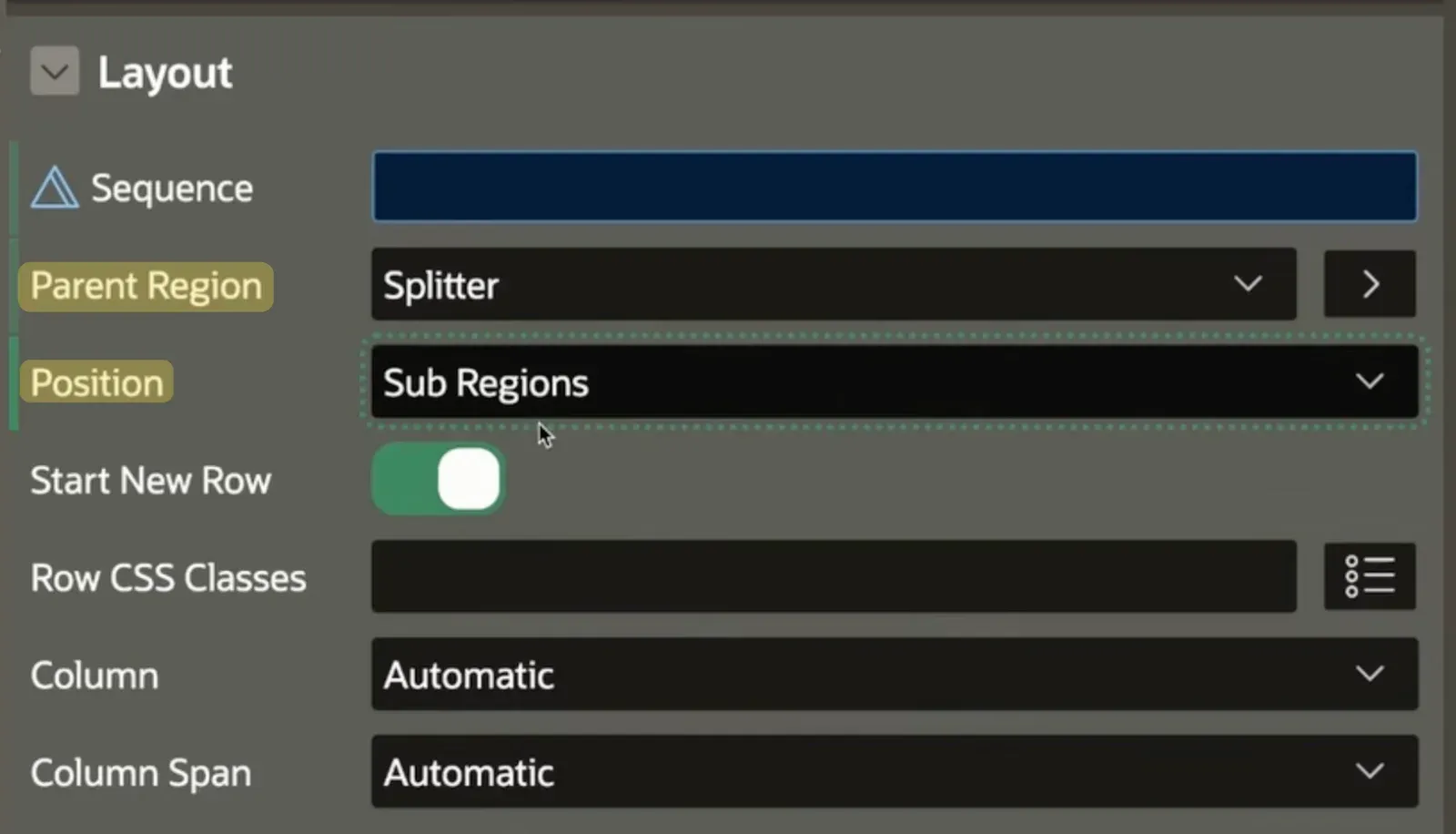
Let’s say we have two interactive grids on one page with a master-detail connection, which we want to split. First, we need to create a new region of the type “UC Splitter”. Now we can change the “Parent Region” of both interactive grids to the splitter region and make sure that the “Position” is set to “Sub Regions”.
Now we can already see the splitter in action:
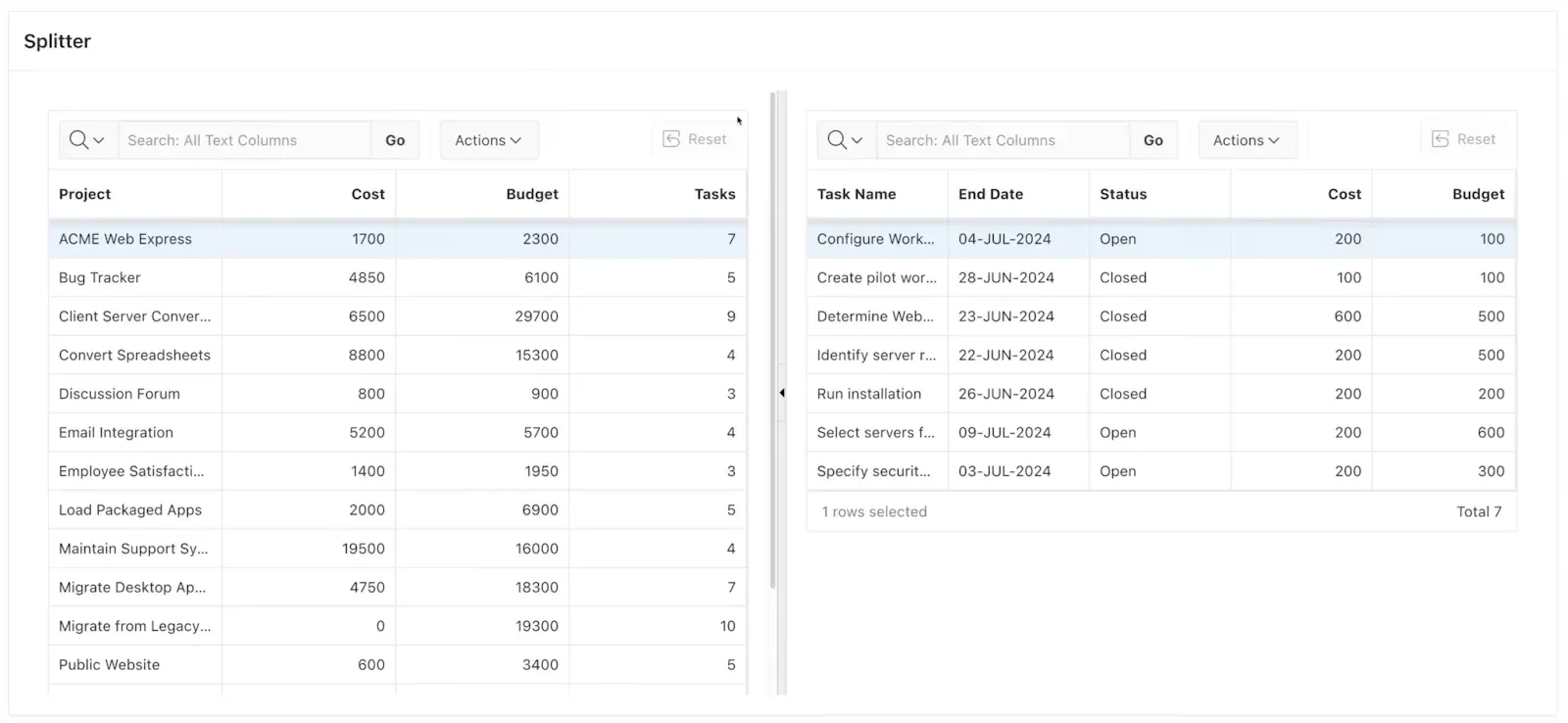
To make it look more appealing, we can change the “Template” of the splitter region to “Blank with Attributes” to hide the header and borders. Additionally, we can click on “Attributes” to fine-tune the splitter’s settings:
- Region Orientation: switch between a horizontal and vertical splitter
- Direction: which side of the splitter is collapsible
- Splitter Position: If per default, the splitter should create two halves, e.g. ⅓ and ⅔
  - JavaScript Expression Evaluating to Region Height in Pixels:

  - Statically: 500

  - Dynamically: $(window).height() - $( '#t\_Header').height() - 10
Nesting Splitters
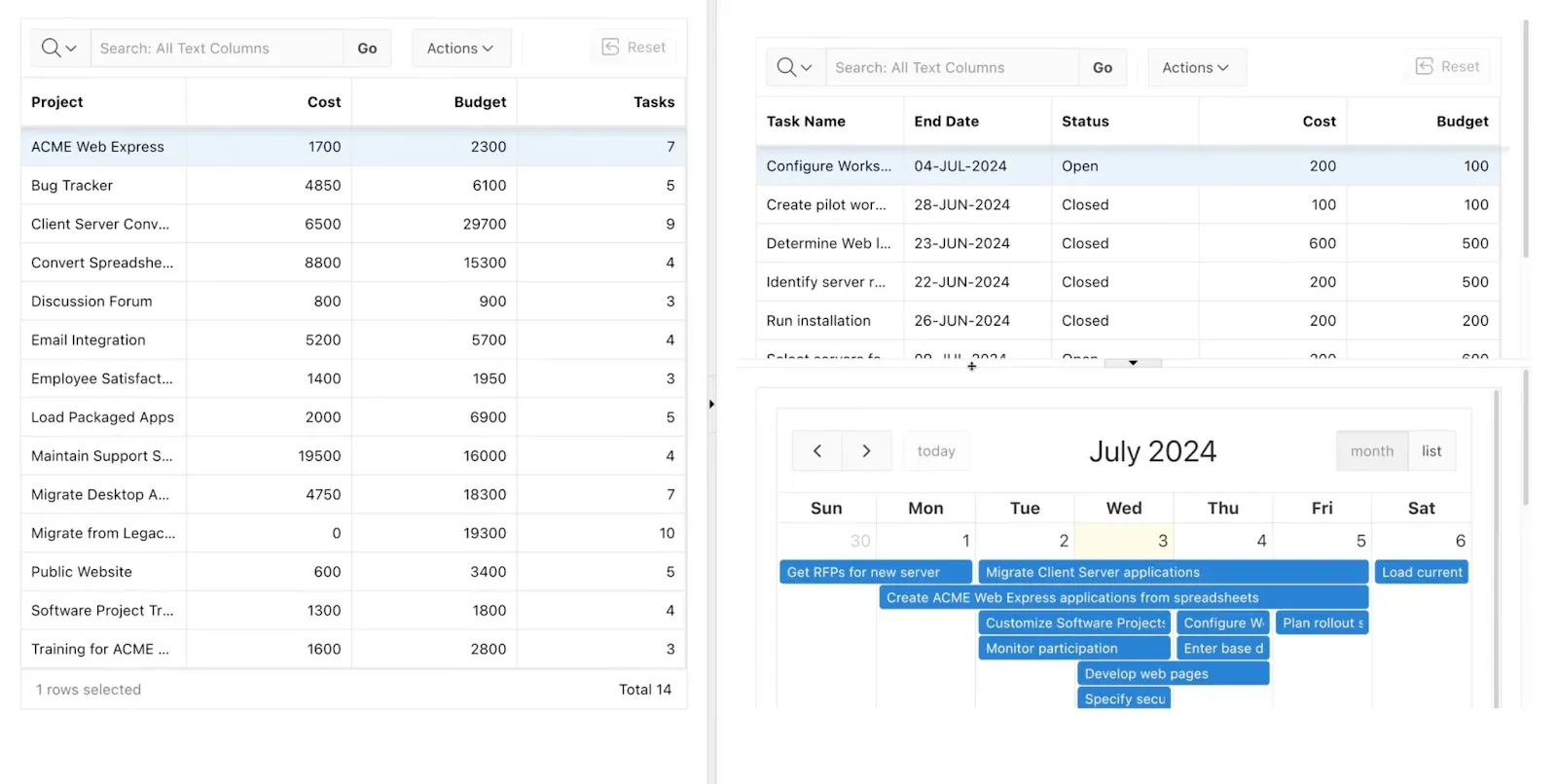
A single splitter is limited to having exactly two child regions to split. If you want a layout with more, you can add another splitter region as a child. In this example, there is a horizontal splitter for the second child to show an additional calendar: