
APEX Project Eye - APE - is used in real life. For our own internal projects and several customers, we use APE to keep an eye on our workspaces and ensure our work’s quality and uniformity!
This blog post is part of a series dedicated to APE. Certainly, please have a look at our prior blog post, Getting Started with Quality Assurance in APEX Project Eye (APE).
For me, the flexibility of APE stands out. It’s so easy to take your work on previous projects with you when you intend to work in the same, or at least similar, way on a new project. And once you’re ready and set up in your new environment, you can start adapting the settings according to your new way of working.
Most of the work we’re showing is done on an APEX 22.2 environment, using the brand-new APE version 22.3.
Export and Import your Quality Standards
APE runs at the Workspace level. Not all applications necessarily exist in the same workspace. The Export QA Standards feature then comes in very handy. All the rules set in a Quality Standard can be exported in a JSON format and imported into another environment. We suggest always building your rules in one environment and importing them in all the other environments you use. That way, you keep all the rules in sync between the environments (i.e., Workspaces).
Your entire set of rules is bundled in a Quality Standard. It’s that Quality Standard you export and import. To do this, select the Quality Standard you want to export in the Quality Assurance module of APE and press the Export button.
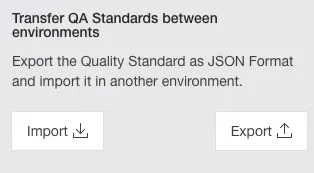
Import/Export dialog
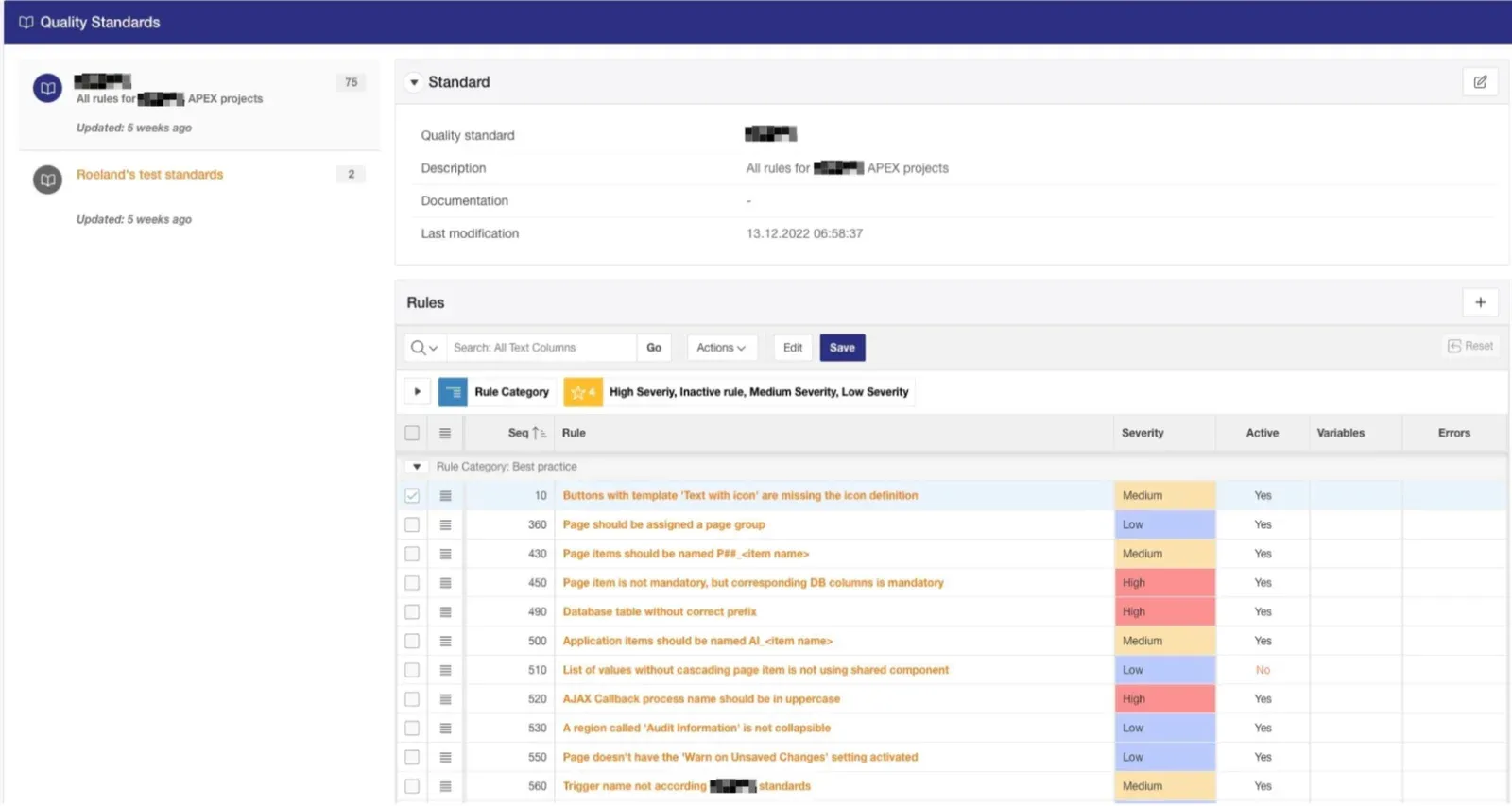
A view of the Rules within a Quality Standard
Using One or Multiple Quality Standards
When building your rules, it’s nice to have a dedicated Quality Standard that you, as a developer, can use, and you don’t have to worry about interfering with someone else. When you’re happy with your rule, just move it over to the real Quality Standard that you and your team use.
By the way, did you notice you can Disable or Enable all rules in your Standard with one click of a button? This is a feature made especially for the developer creating the rules. While building a rule, you will probably run it multiple times before you have it the way you want. And in this case, you want to run only that specific rule.
Easy! Simply Disable all the rules and Enable only that one specific rule you’re working on. And, when you’re done … Enable all the rules again. This nice feature you can find just below the Export and Import buttons:
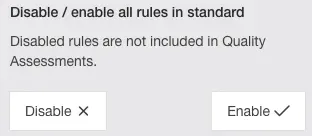
Enable/Disable rule dialog
On this subject, do you think you will use multiple Quality Standards besides the one you use for building your rules? That’s a judgment call. And it really depends on what your APEX landscape looks like.
For most of our projects, we have one dedicated Quality Standard. The idea behind it is that you’re trying to enforce your standards, and all the applications should follow the same standards. But of course, it is absolutely possible that some applications have a different standard than other applications simply because they serve different purposes or have another intended audience.You will probably want to maintain your entire rule set in the same place. Then you just create multiple Quality Standards by including the necessary rules, and off you go!