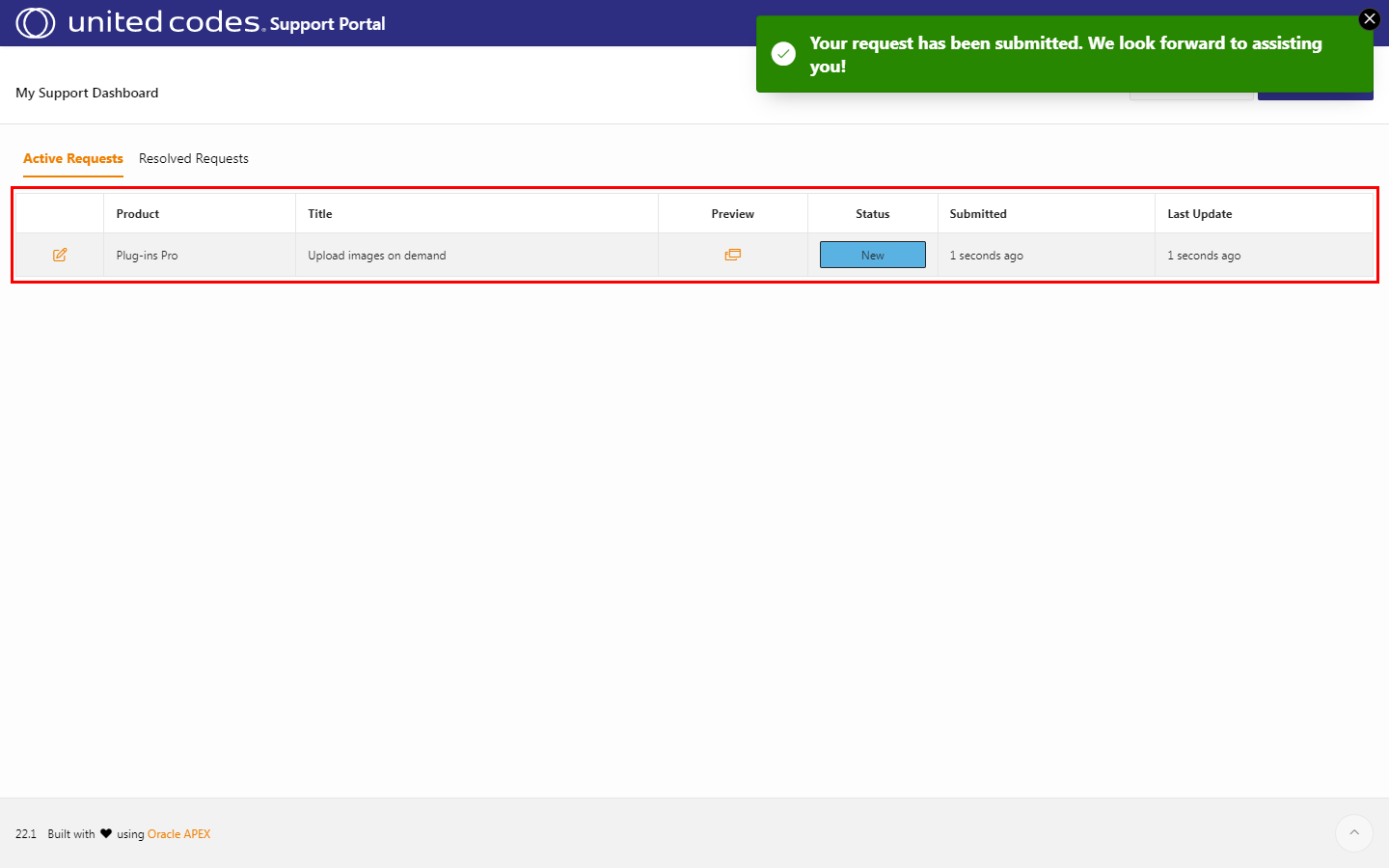
Support
If you need support, you want to request a new feature for the plug-in, or you want to raise an issue, we are here for you to help you. To contact us for the mentioned topics, please use our Plug-ins Pro Support Portal.
Plug-ins-pro portal
Section titled “Plug-ins-pro portal”Follow the instructions below to contact us using the plug-in portal.
-
Go to the Plug-ins Pro Portal
-
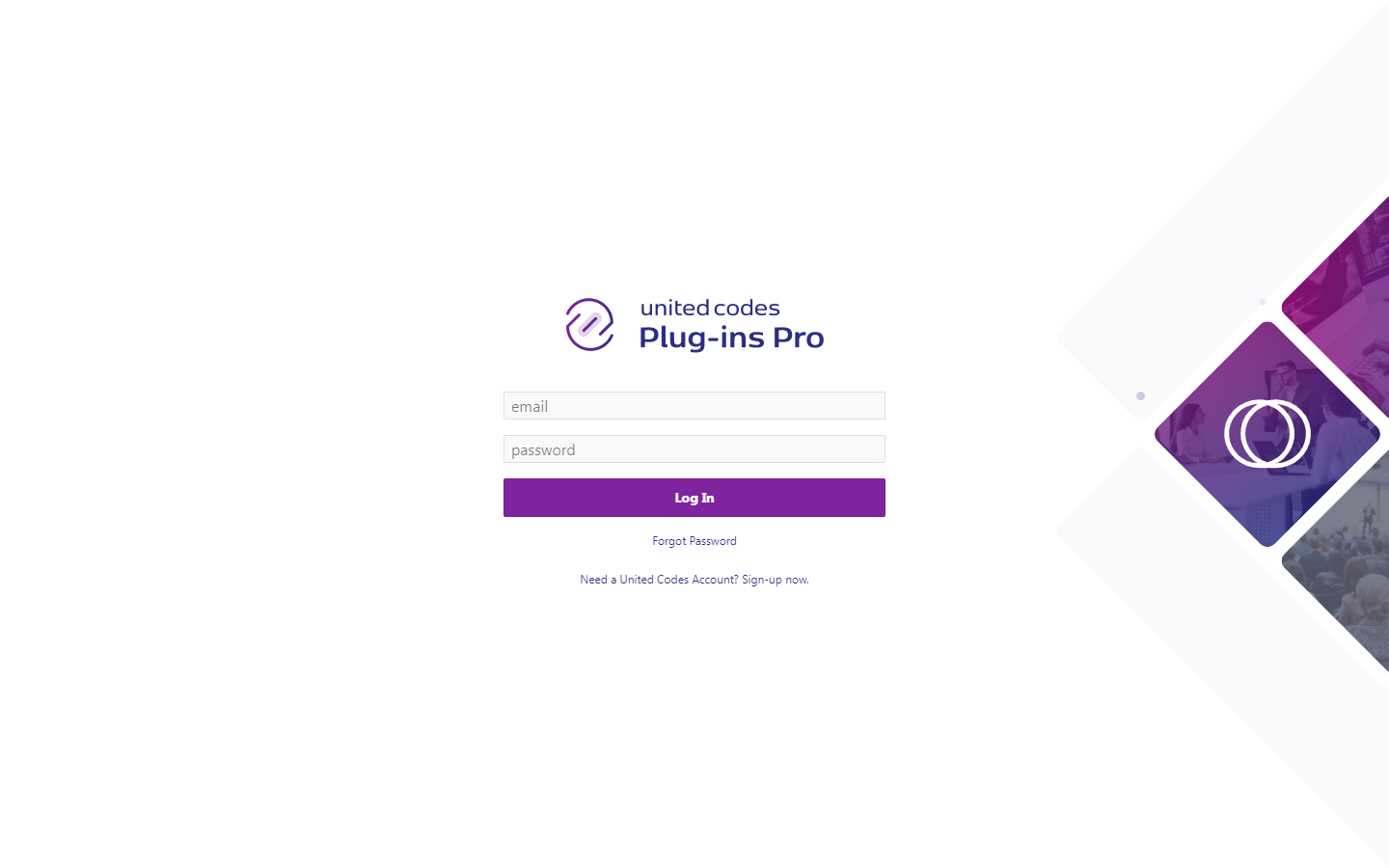
Log in
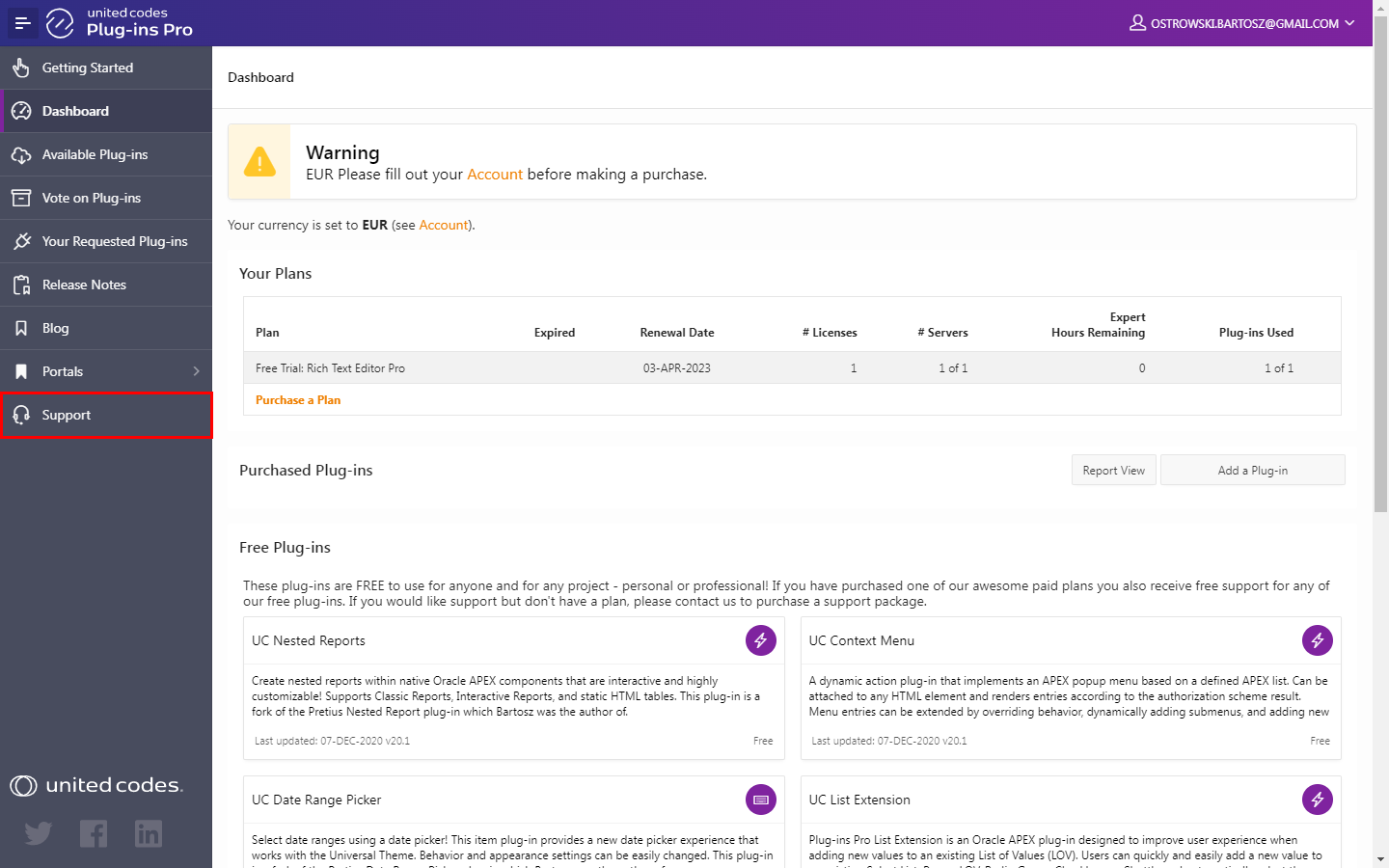
- Select Support from the menu
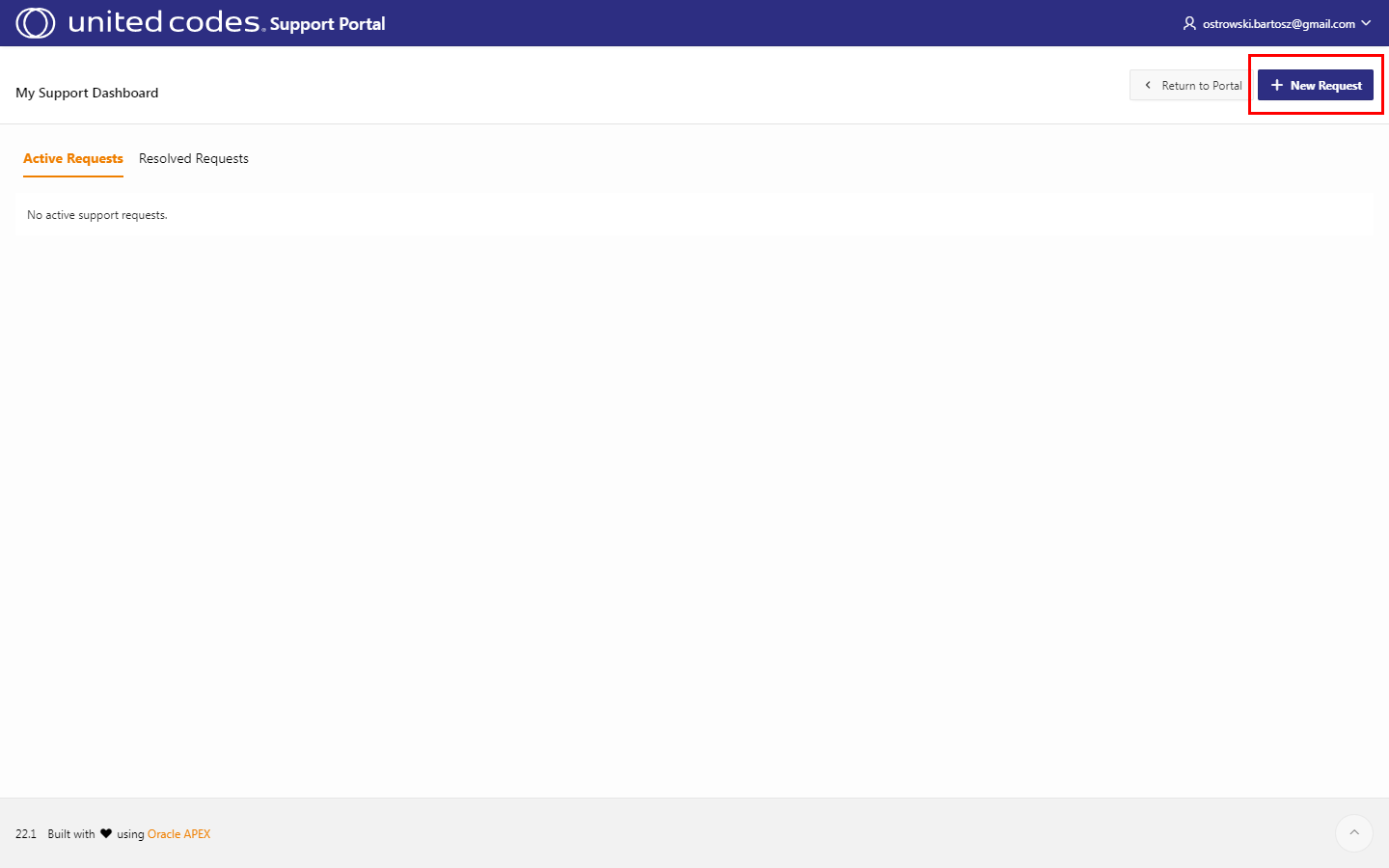
- Click the button New request
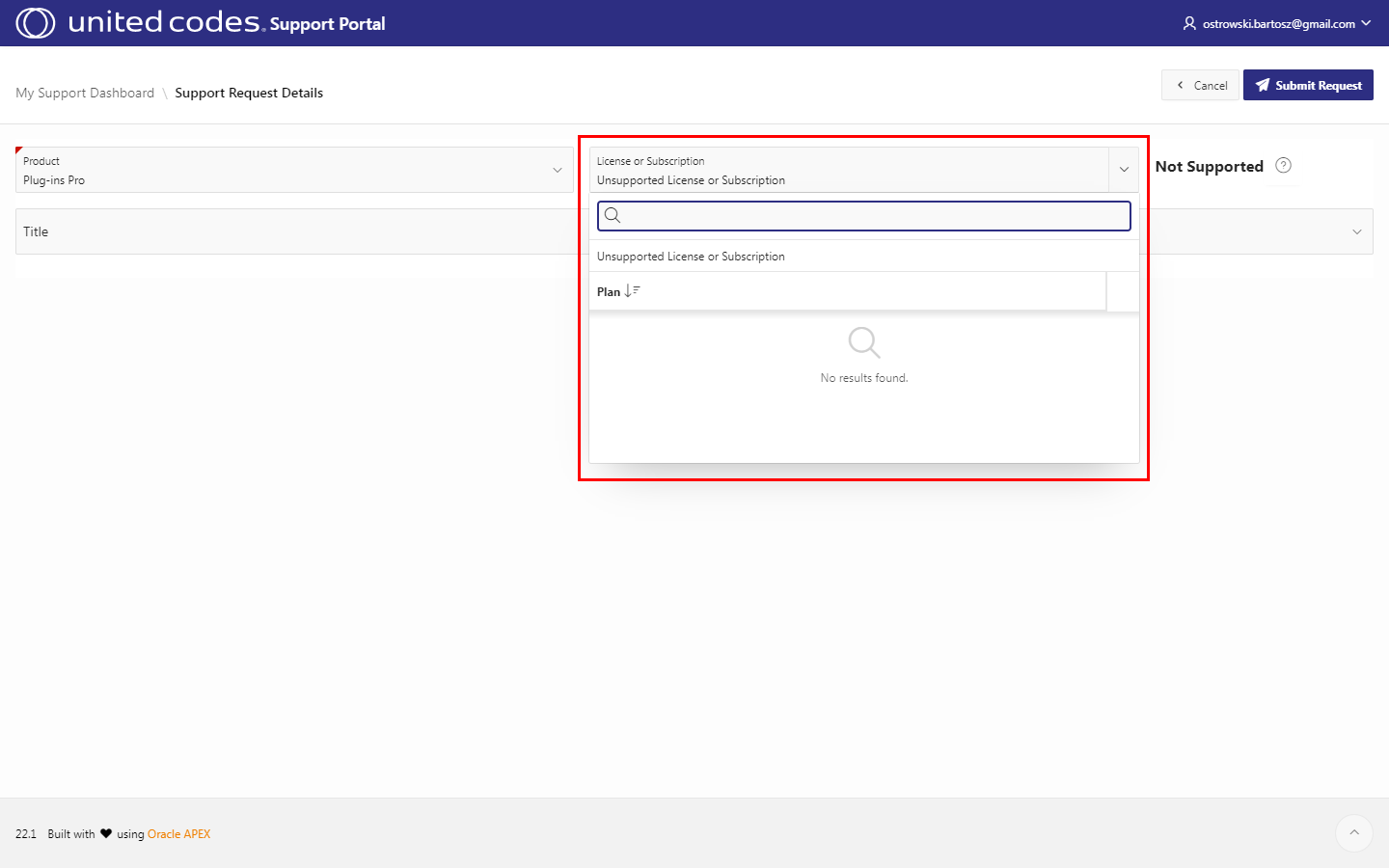
- Select your license/subscription type
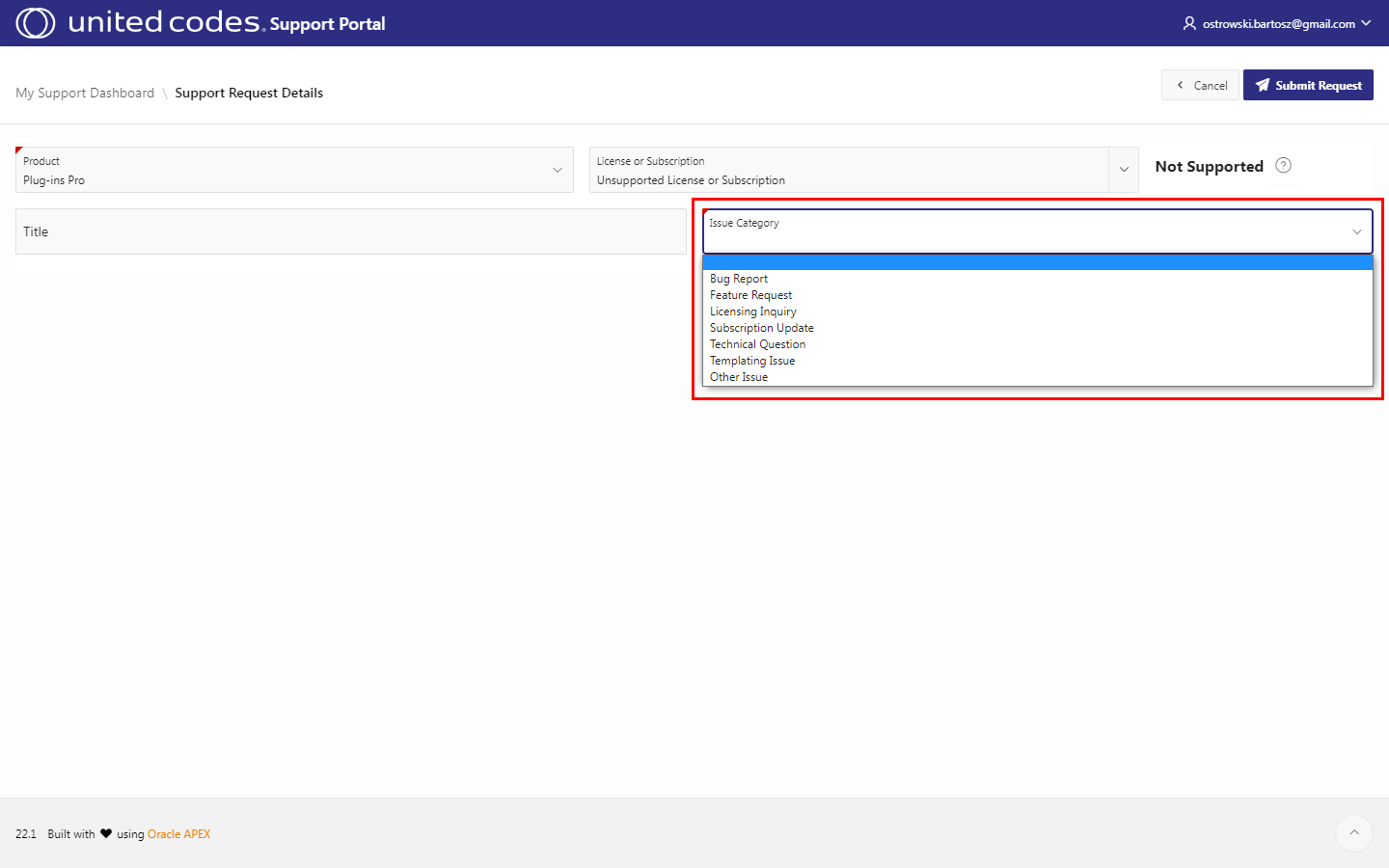
- Select your issue category
-
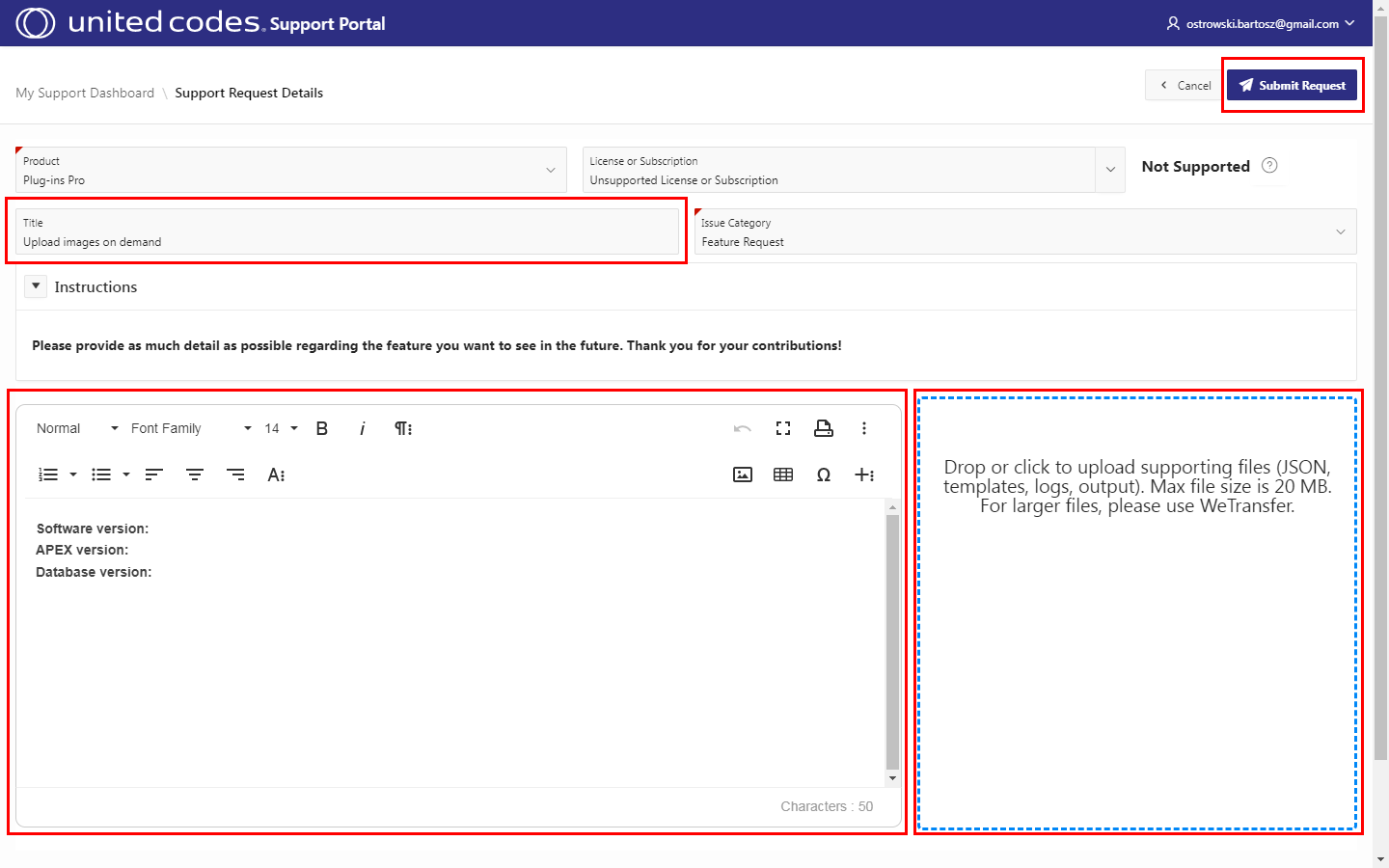
Provide the issue title
-
Describe the issue in detail
-
Add attachments
-
Click the button Submit Request
- Your issue has been created and is waiting for us to reply