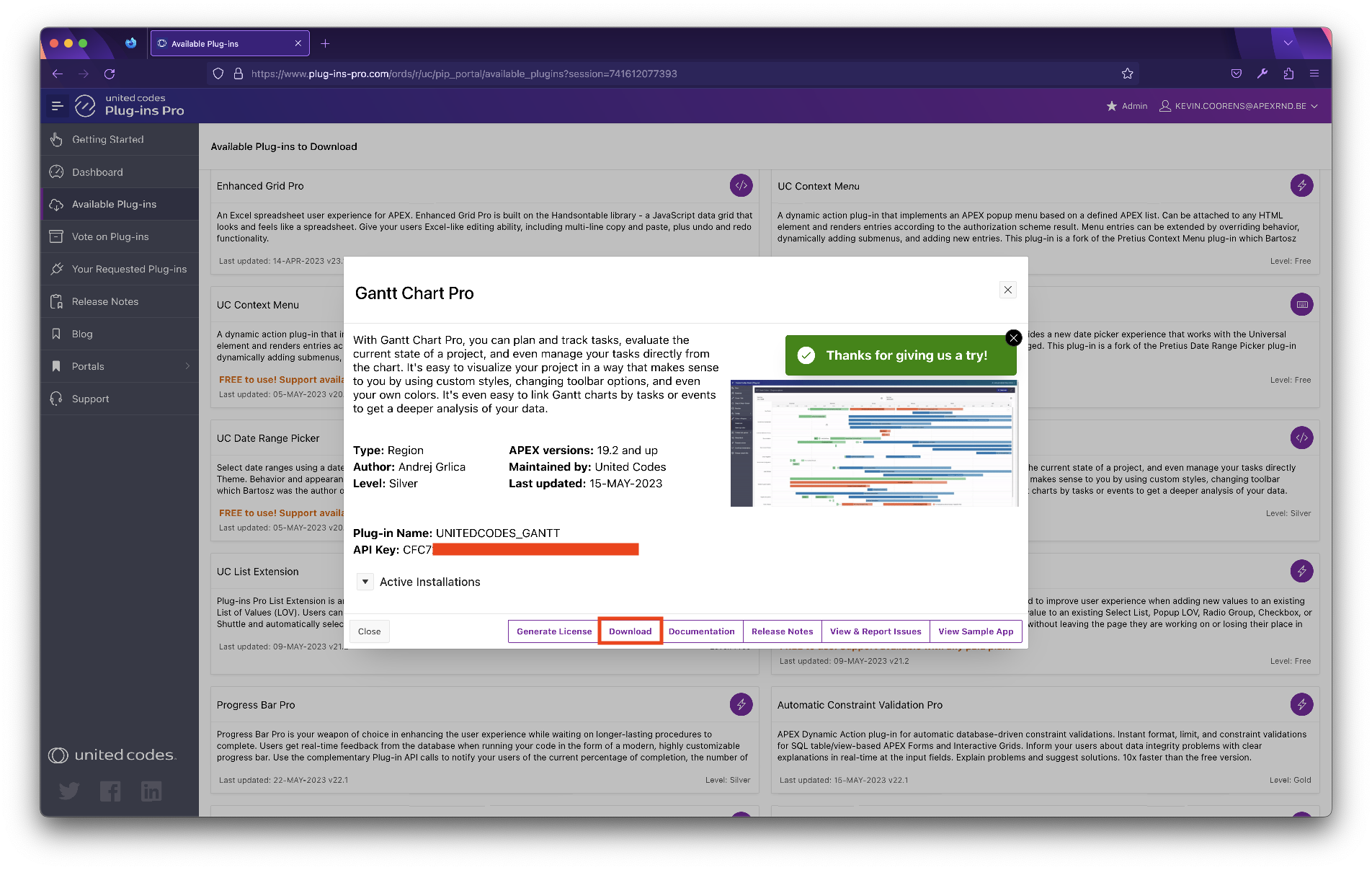
Download
The plug-in can be downloaded from the Plug-ins Pro portal. The following instructions describe the steps for downloading the plug-in.
Once the plug-in is downloaded it must be installed using instructions described in Getting Started \ Installation.
Download the plug-in
Section titled “Download the plug-in”-
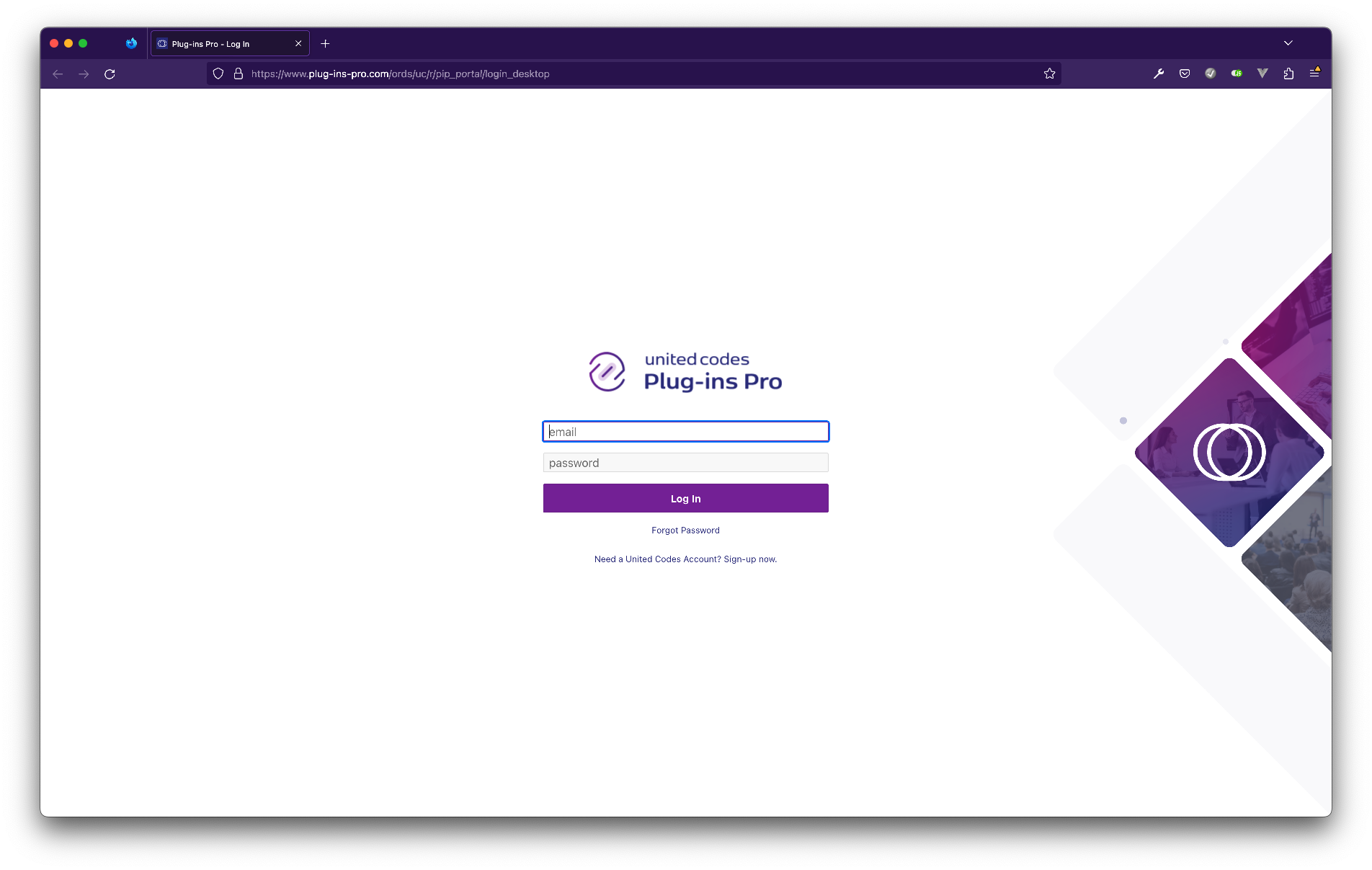
Fill in your login credentials.
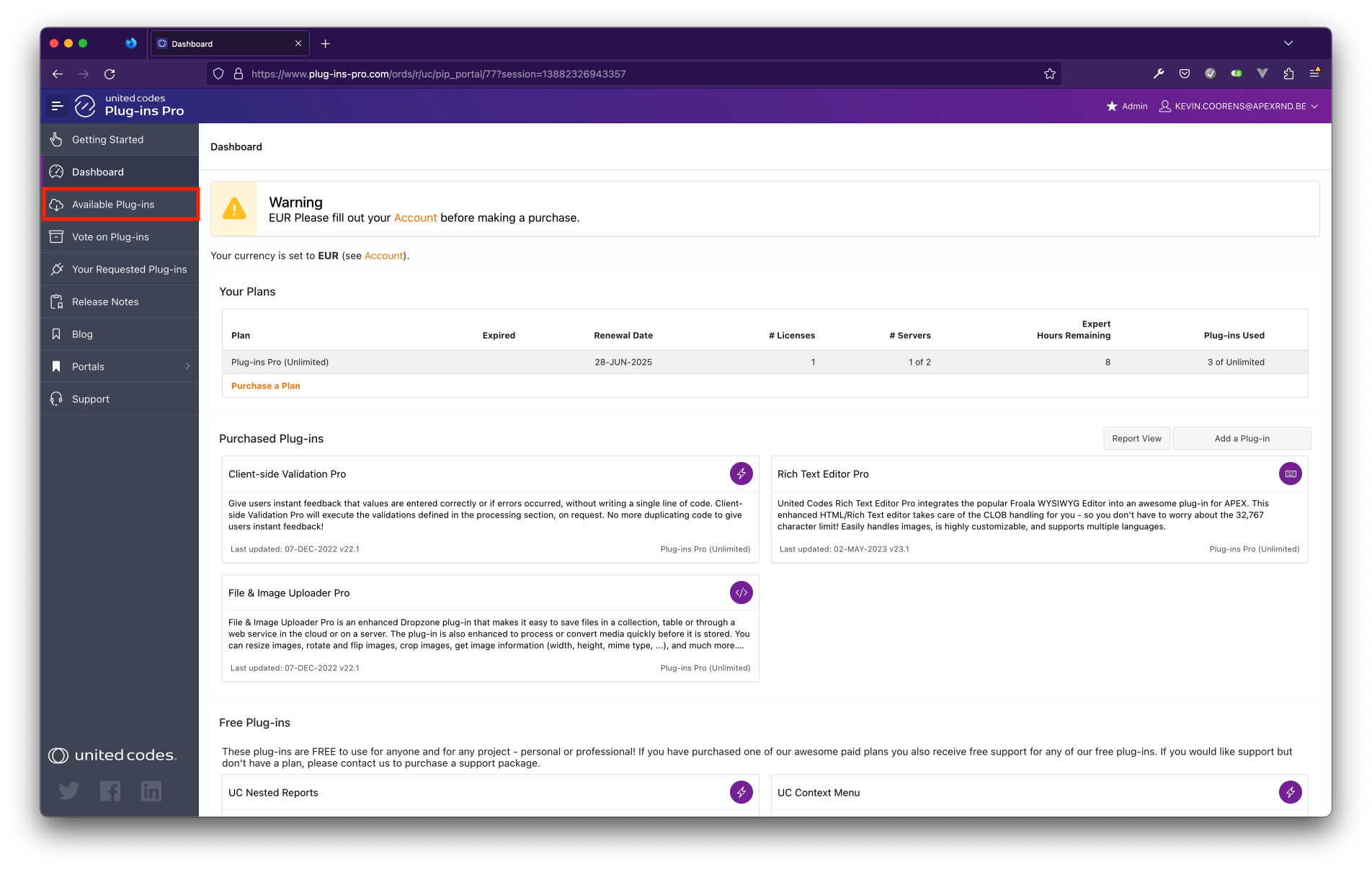
- Go to Available Plug-ins
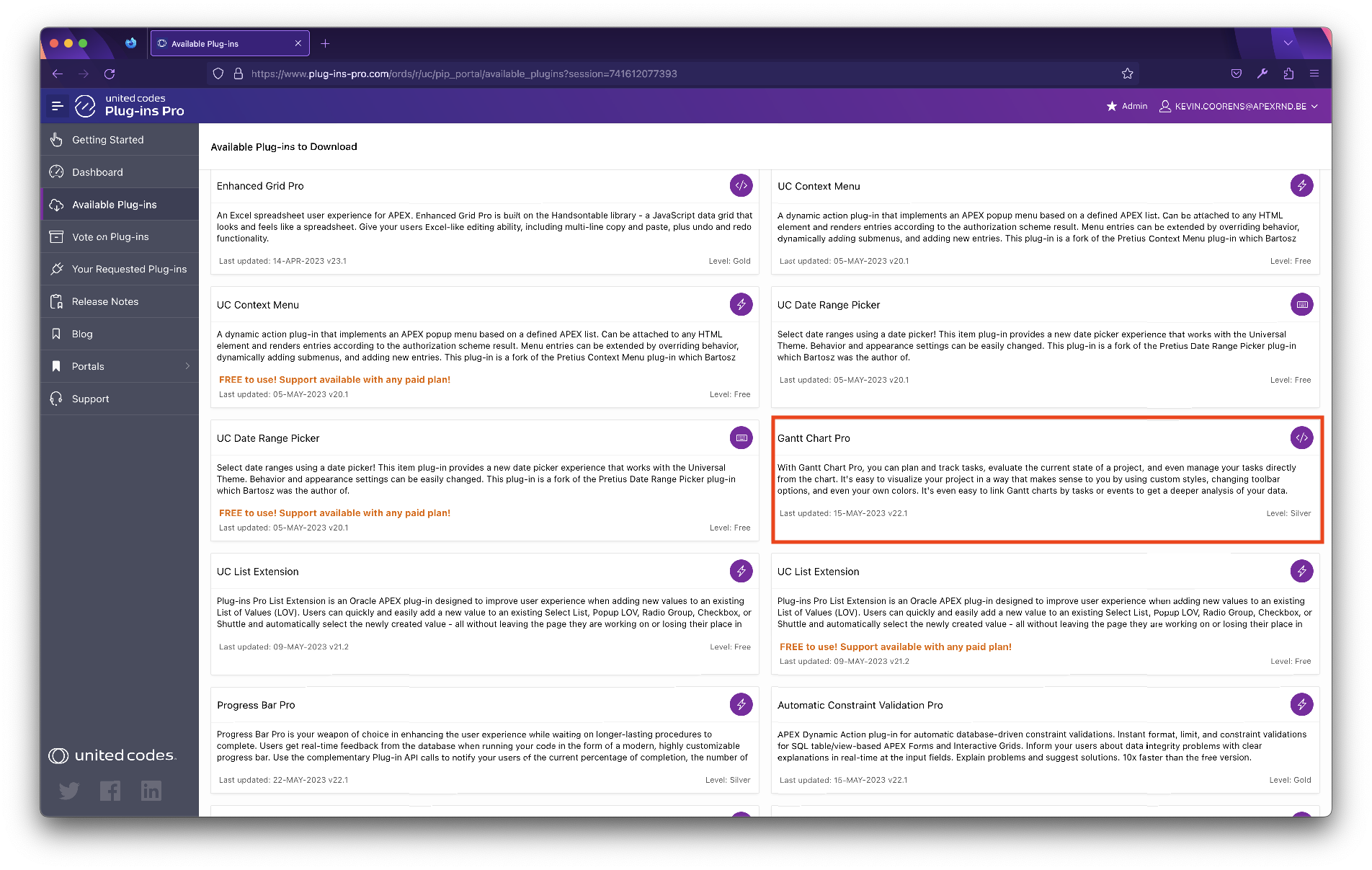
- Click on the plug-in card for Sankey Chart Pro
-
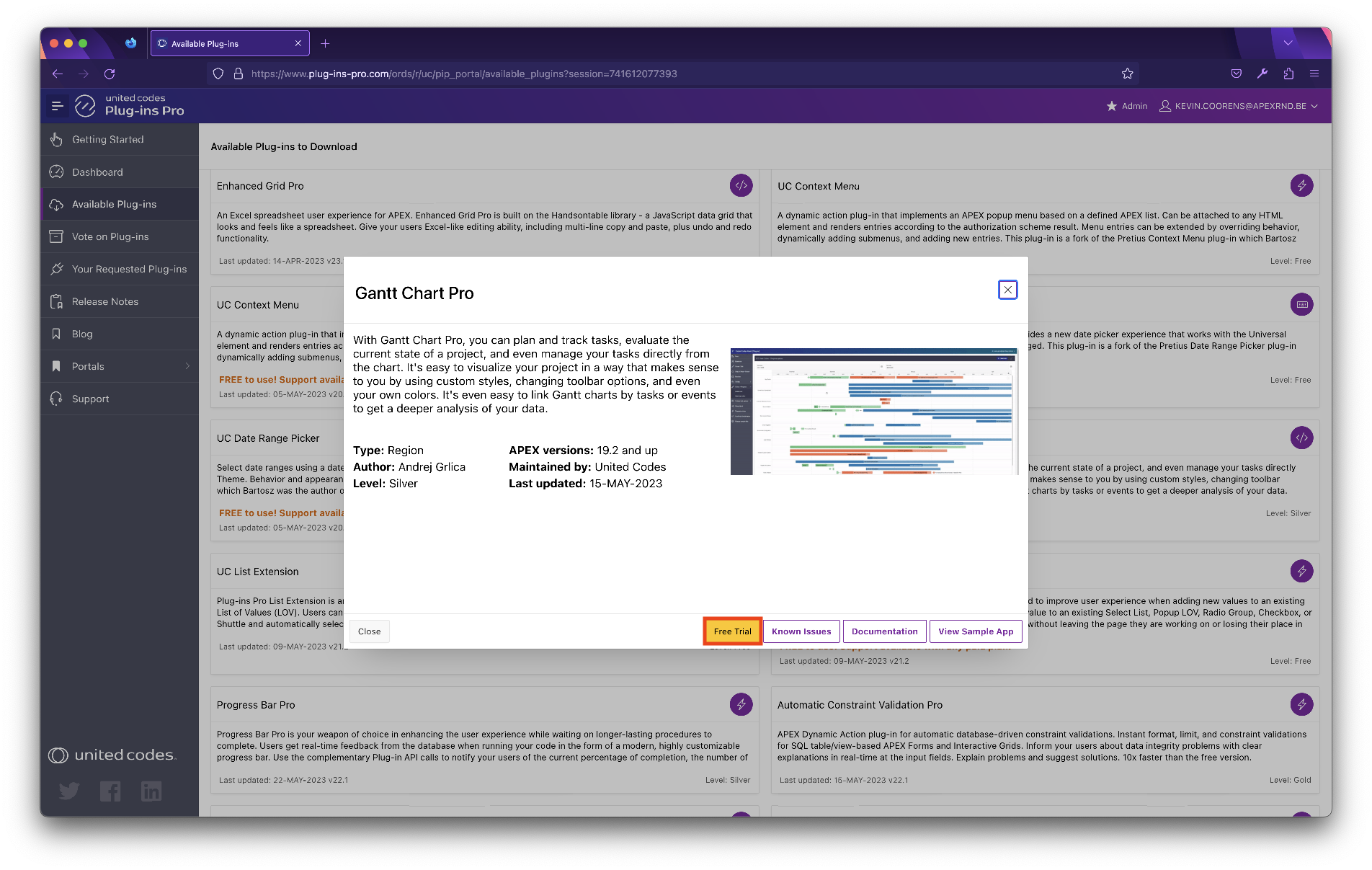
A new modal page is opened
-
Click the button Free Trial to add it to your plug-ins collection
- Click the button Download to start downloading the plug-in zip archive